
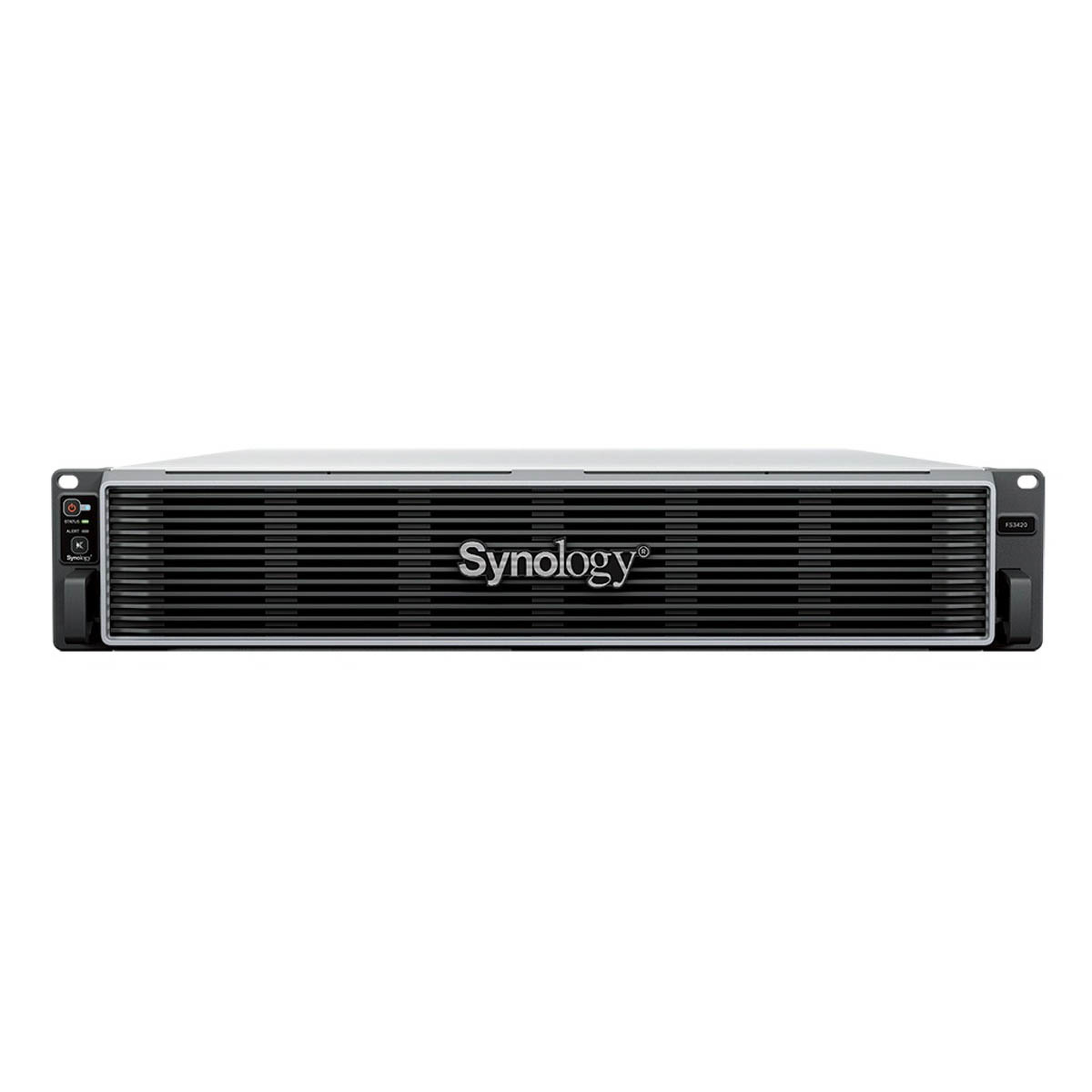
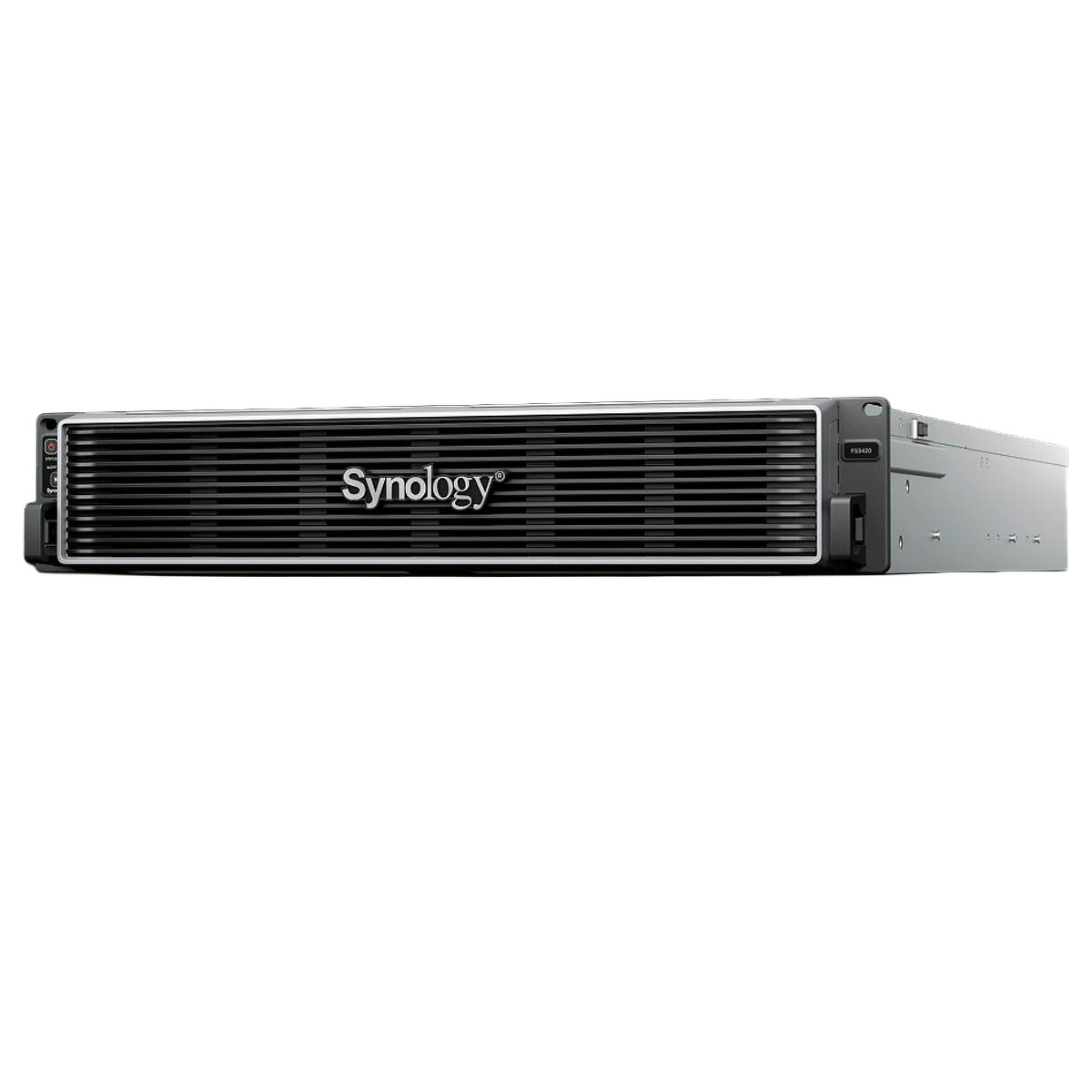
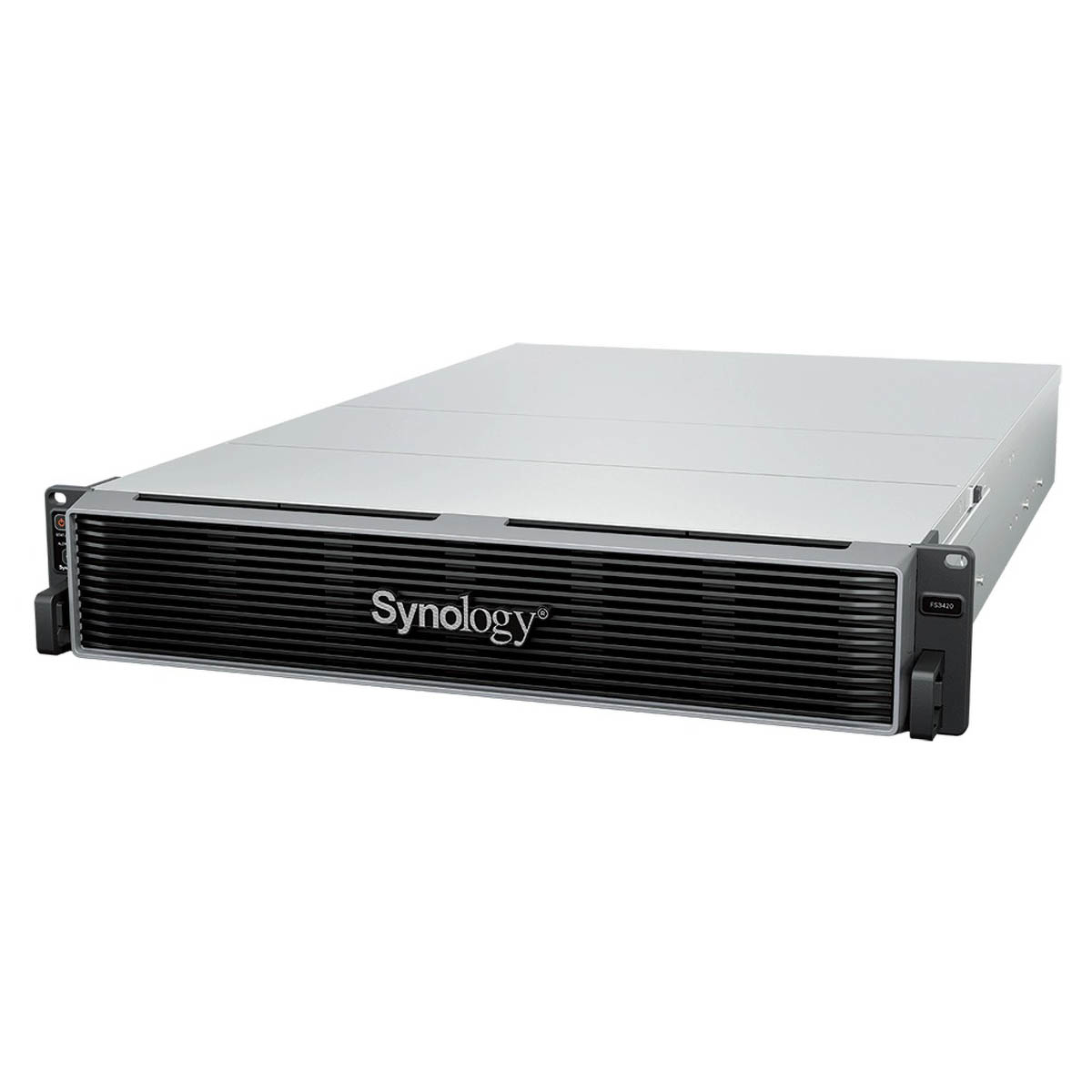
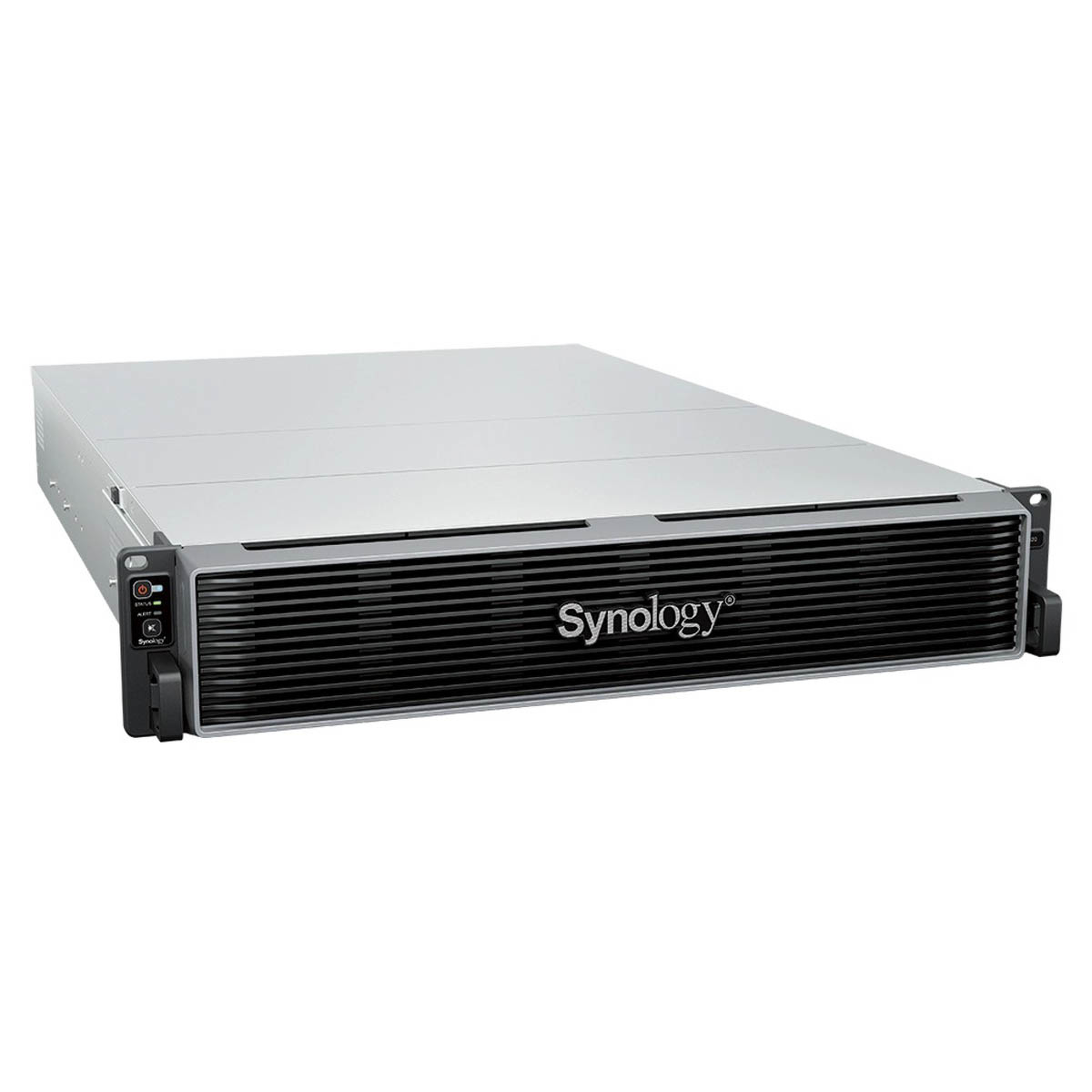
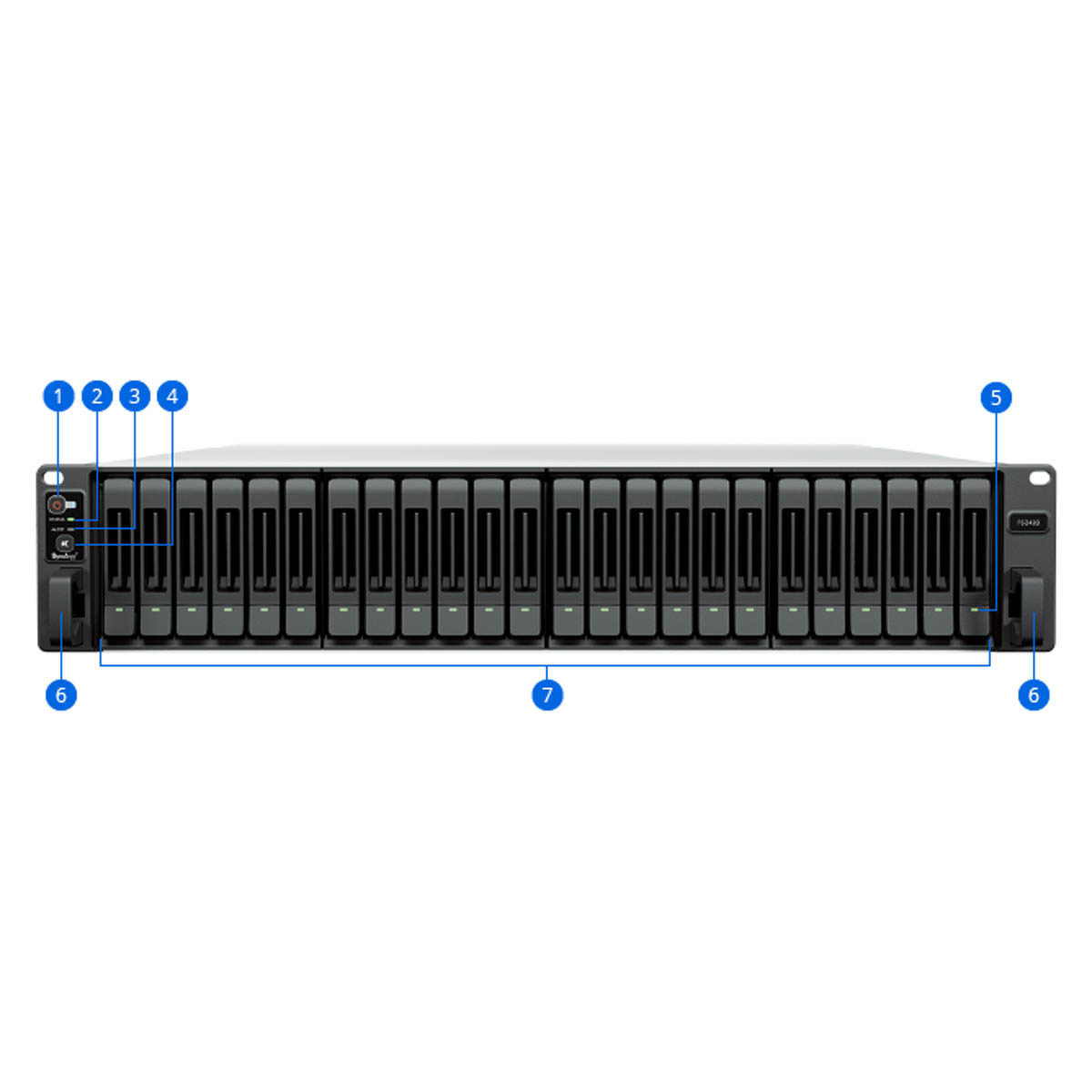
Synology FS3420
63262,00 zł
- Procesor: Intel Xeon D-1739
- Pamięć systemowa: 32 GB DDR4 ECC RDIMM
- Łączna liczba gniazd pamięci: 6
- Maksymalna pojemność pamięci: 192 GB (32 GB × 6)
- Wnęka dysków: 24 × 2.5″ SATA SSD
- Gwarancja: 5 lat
Na stanie
|
Hardware Specifications
|
||
|---|---|---|
|
CPU
|
CPU Model | Intel Xeon D-1739 |
| CPU Quantity | 1 | |
| CPU Cores | 8 | |
| CPU Threads | 16 | |
| CPU Architecture | 64-bit | |
| CPU Frequency | 3.0 (base) / 3.5 (turbo) GHz | |
| Hardware Encryption Engine | Yes | |
|
Memory
|
System Memory | 32 GB DDR4 ECC RDIMM |
| Memory Module Pre-installed | 32 GB (32 GB × 1) | |
| Total Memory Slots | 6 | |
| Maximum Memory Capacity | 192 GB (32 GB × 6) | |
| Notes |
|
|
|
Storage
|
Drive Bays (See all supported drives) |
24 × 2.5″ SATA SSD
|
| Hot Swappable Drive* | Yes | |
| Notes |
|
|
|
External Ports
|
RJ-45 10GbE LAN Port | 2 |
| Out-of-Band Management LAN Port | 1 | |
| USB 3.2 Gen 1 Port | 2 | |
|
PCIe
|
PCIe Expansion | 2 × Gen4 x8 slot (x8 link) |
|
Appearance
|
Form Factor (RU) | 2U |
| Size (Height × Width × Depth) | 88 mm × 482 mm × 724 mm | |
| Weight | 15.0 kg | |
| Rack Installation Support* | 4-post 19″ rack (Synology Rail Kit – RKS-02) | |
| Notes | The rail kit is sold separately | |
|
Others
|
System Fan | 80 mm × 80 mm × 4 pcs |
| Fan Speed Mode |
|
|
| Easy Replacement System Fan | Yes | |
| Power Recovery | Yes | |
| Noise Level | 37.8 dB(A) | |
| Scheduled Power On / Off | Yes | |
| Wake on LAN / WAN | Yes | |
| Power Supply Unit / Adapter | 550 watts | |
| Redundant Power Supply | Yes | |
| AC Input Power Voltage | 100V to 240V AC | |
| Power Frequency | 50/60 Hz, Single Phase | |
| Power Consumption | 122.0 watts (Access) | |
| British Thermal Unit | 416.02 BTU/hr (Access) | |
| Notes |
|
|
|
Temperature
|
Operating Temperature | 0°C to 35°C (32°F to 95°F) |
| Storage Temperature | -20°C to 60°C (-5°F to 140°F) | |
| Operating Humidity | 8% to 80% RH | |
| Storage Humidity | 5% to 95% RH | |
|
Certification
|
|
|
|
Warranty
|
5 Years | |
| Notes | The warranty period starts from the purchase date as stated on your purchase receipt. (Learn more) | |
|
Environment
|
RoHS Compliant | |
|
Packaging Content
|
|
|
|
Optional Accessories
|
|
|
| Notes | For multi-module memory configurations, all modules must be identical and share the same model number. Check the Product Manual of your Synology product for recommended memory configurations. | |
Notes:
- Model specifications are subject to change without prior notice.
- The figures are based on Synology internal testing. Each performance test is done individually. No other services or applications are processed at the same time.
- The actual performance may be lower than lab testing figure due to differences in server configuration, deployment, and the number of active operations.
- If usage requirements exceed the specifications above, please contact our regional partners for professional advice.
FlashStation FS3420
All-flash data management solution for I/O sensitive workloads.
Harness all-flash storage to speed up business workflows.
Consolidate your essential workloads
FS3420 is the ideal data storage solution to power and protect your demanding workloads and data services.
Performance that drives productivity
iSCSI: Random IOPS with SSD2
Designed for reliability
Flexible, high-performance network connectivity
The FS3420 supports a wide range of networking interfaces, protocols and configurations for seamless integration into enterprise environments.
Built-in fast connectivity
Two 10GbE RJ-45 ports provide excellent networking performance right out of the box.
Flexible networking options5
Improve I/O performance or add redundancy with optional 10GbE or 25GbE SFP+/SFP28 and 1GbE or 10GbE Ethernet NICs or Fibre Channel HBAs.
Failover and network balancing
Bond multiple network interfaces with Link aggregation to enable automatic network failover and load balancing.
Storage efficiency
Automated storage tiering
Synology Tiering automatically moves infrequently accessed data from the FS3420 to cost-efficient tiers, balancing performance and capacity to maximize storage ROI. Flexible tiering policies, broad target support and clear visibility into data usage help you adapt quickly to changing business needs.
Flash volume deduplication
Volume-wide deduplication on all-flash arrays removes redundant data, boosting storage efficiency by up to 65% for virtual desktops and virtual machines.
Container & VM hosting
Container Manager enables easy deployment and management of Docker‑based containers on Synology systems, providing scalability and simplified management for thousands of apps. For full virtualization, Virtual Machine Manager (VMM) enables Windows®, Linux® and DSM environments to run as isolated, flexible virtual machines, giving businesses the freedom to test, develop and run diverse workloads securely on a single Synology system.7
Collaboration in a secure cloud, assisted by AI
Enhance workplace collaboration with Synology Office Suite. Create, edit and share documents across teams in real time. Host an on-premises mail server to provide web-based email access while maintaining full data ownership.8 Additionally, stay connected through secure one-on-one chats, public channels, encrypted private channels and group conversations. AI assistance enhances productivity across apps, with support for leading AI providers via API key integration.Learn more
Podobne produkty
-

Synology FS2500
15651,00 zł Dodaj do koszyka -

DEVICE LICENSE (X 4) – Synology – licencja na 4 dodatkowe kamery
1132,00 zł Dodaj do koszyka -

Synology Rail Kit RKS-02
621,00 zł Dodaj do koszyka -

Synology RS3618xs
14616,00 zł wybierz -

Synology RS3621xs+
23928,00 zł wybierz -

Synology RX1217RP
9442,00 zł wybierz -

Naprawa płyty głównej w Synology (2U i 3U)
1845,00 zł wybierz -
Promocja!

Synology FS6400
Pierwotna cena wynosiła: 77736,00 zł.75700,00 złAktualna cena wynosi: 75700,00 zł. Dodaj do koszyka -

Synology DS620slim
2314,00 zł wybierz -

Synology RX1217
6318,00 zł Dodaj do koszyka